Annual Financial Summary PowerPoint Template
September 12, 2026 by Ryan

What It Is
The Annual Financial Summary PowerPoint Template is a 13-slide, fully editable presentation designed for year-end financial reporting and annual business reviews. It features a clean, professional layout with a fresh green-and-white color scheme, complemented by distinctive hexagonal accents on the cover and closing slides.
Every element — including titles, charts, timelines, icons, and placeholder text — can be easily edited directly in PowerPoint. A logo placeholder on every slide makes it simple to customize the presentation with your company’s branding.
What’s Inside
The presentation follows a clear, logical structure for reviewing annual financial performance:
- Cover Slide — A bold “20XX Annual Financial Work Summary” title with space for your company logo.
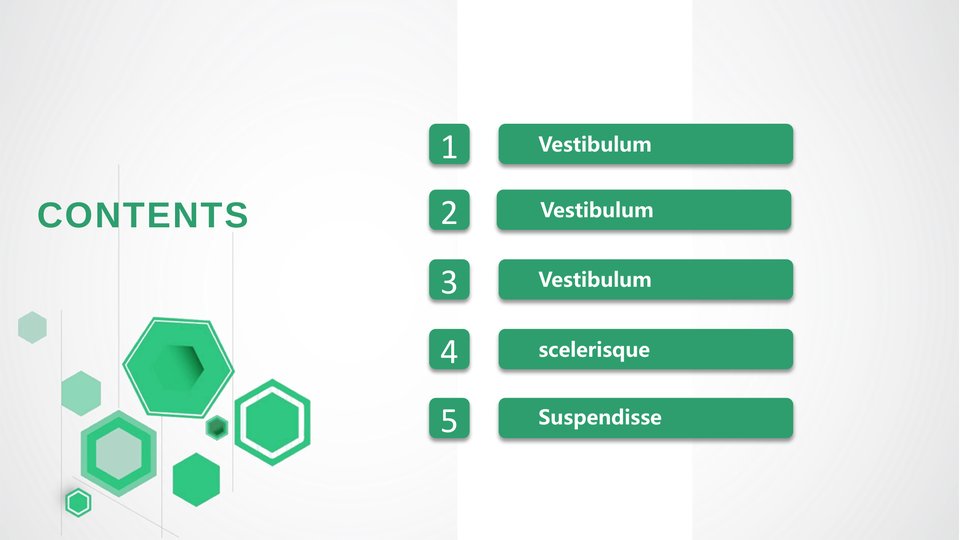
- Table of Contents — A numbered agenda with up to five sections to help organize your presentation.
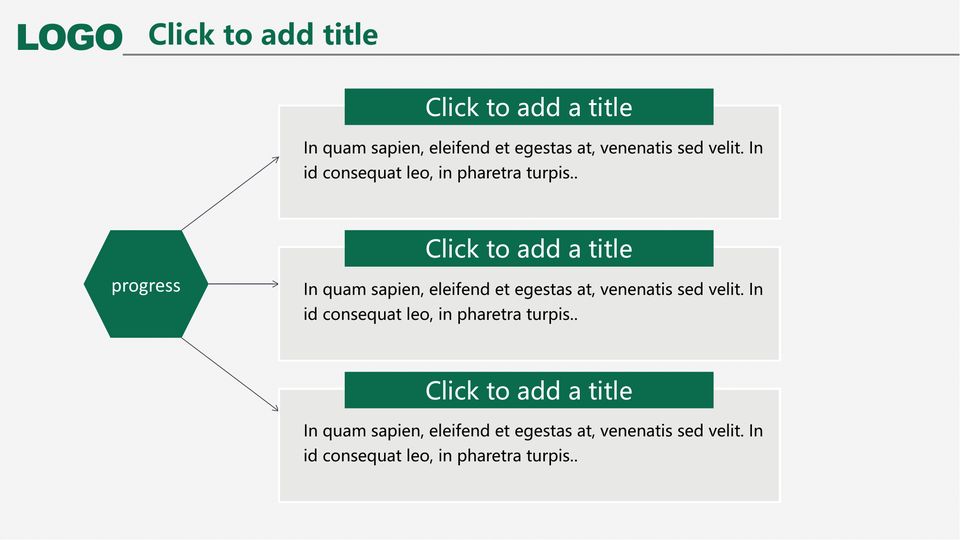
- Progress Overview — A hub-and-spoke diagram connecting one central theme to three key summary points.
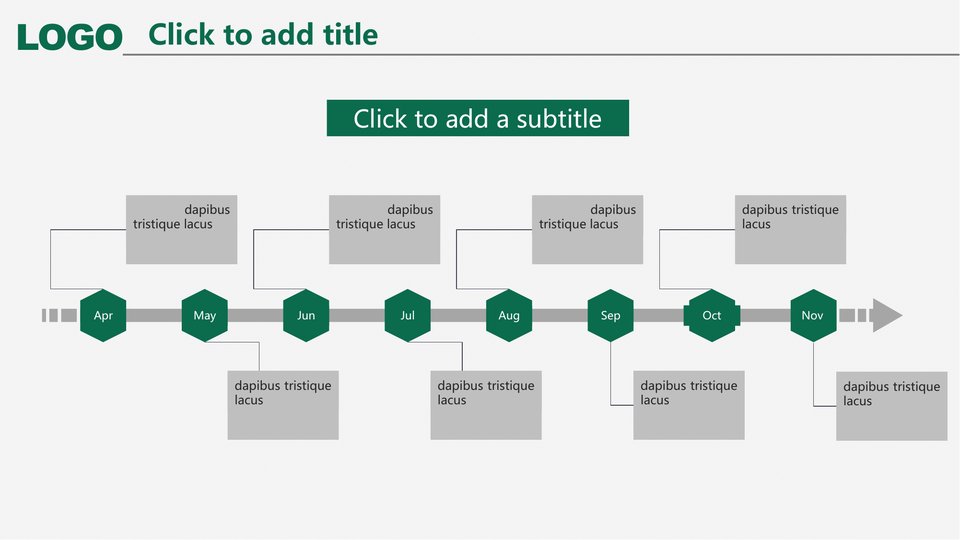
- Monthly Timeline — An April–November milestone timeline for tracking events, tasks, or targets throughout the year.
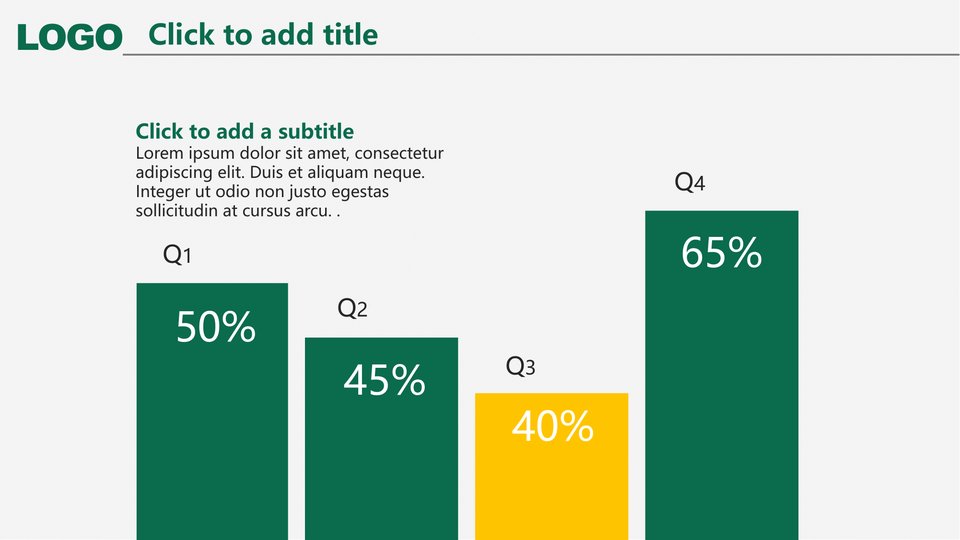
- Quarterly Bar Chart — Pre-built Q1–Q4 columns with percentage labels and a highlight color to emphasize standout quarters.
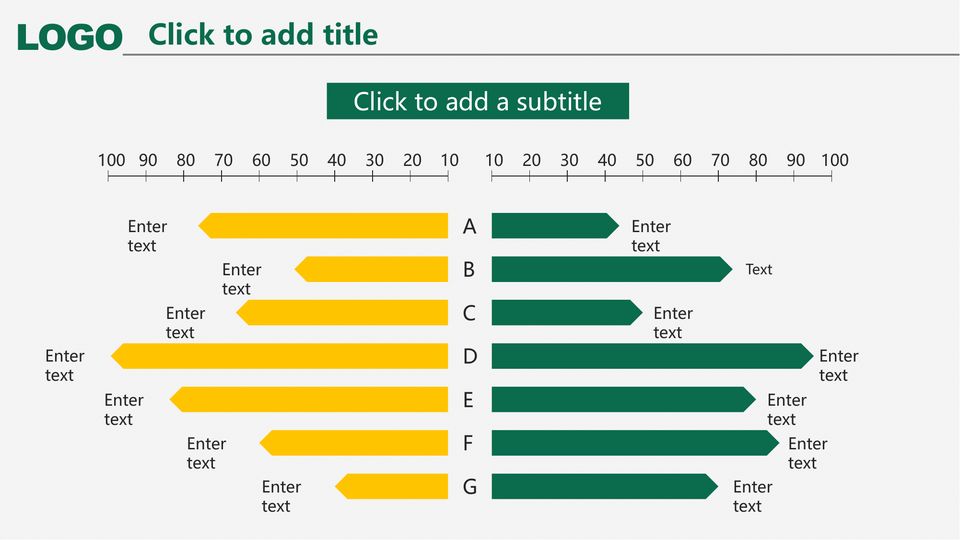
- Two-Way Comparison Chart — Mirrored horizontal bars for comparing two datasets, departments, or scenarios side by side.
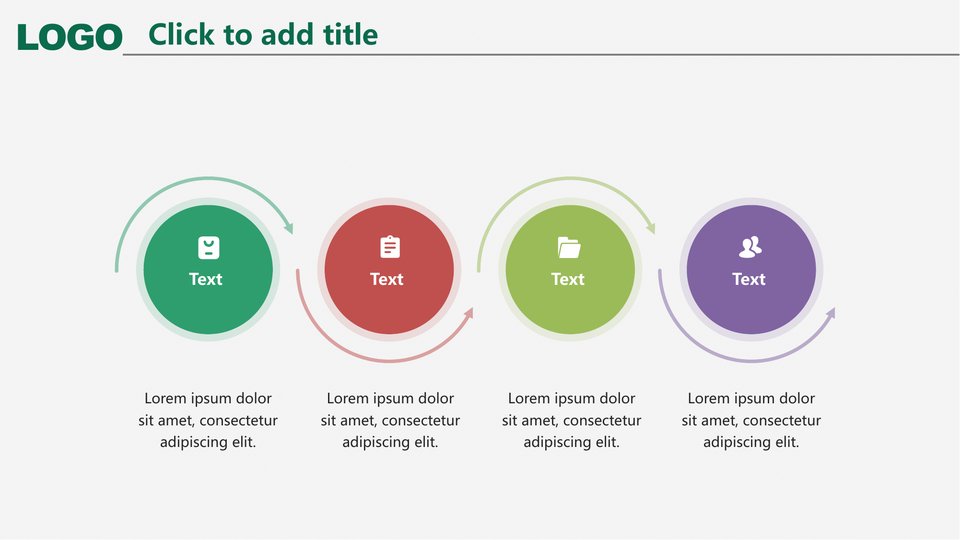
- Process Flow — A four-step circular diagram with icons for illustrating workflows or operating procedures.
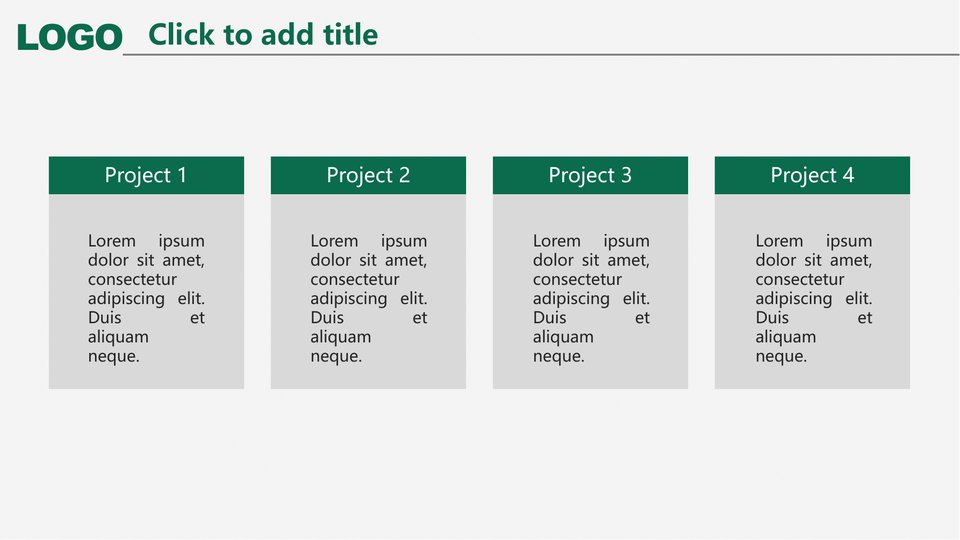
- Project Cards — Four evenly sized cards for highlighting individual projects or business initiatives.
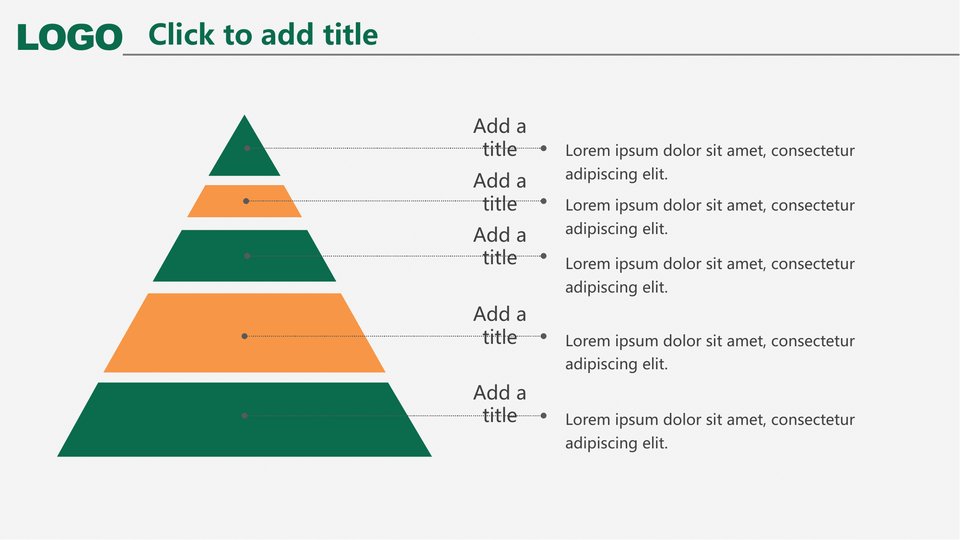
- Pyramid Diagram — A five-level hierarchy for presenting organizational structures, budget tiers, or priority levels.
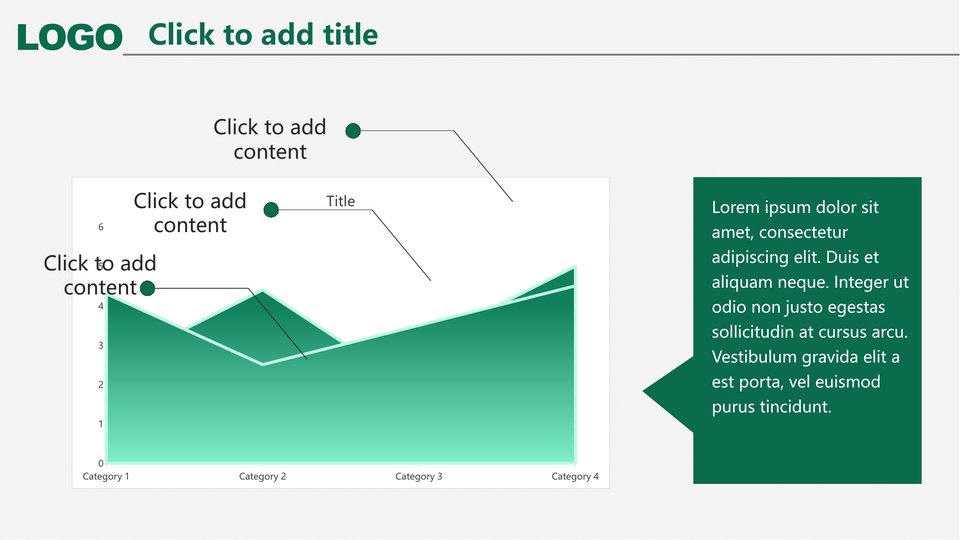
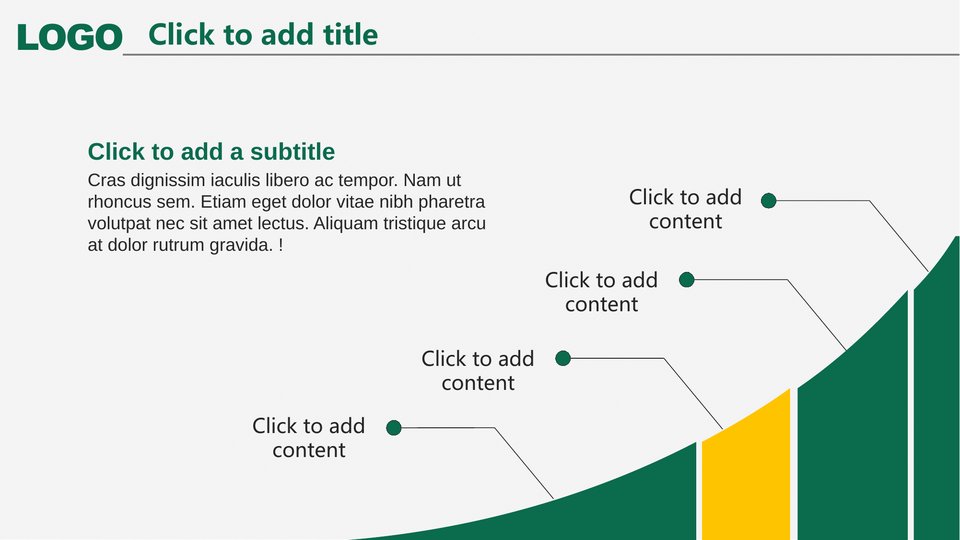
- Area & Growth Charts — Trend charts with callout labels for visualizing revenue, costs, or performance over time.
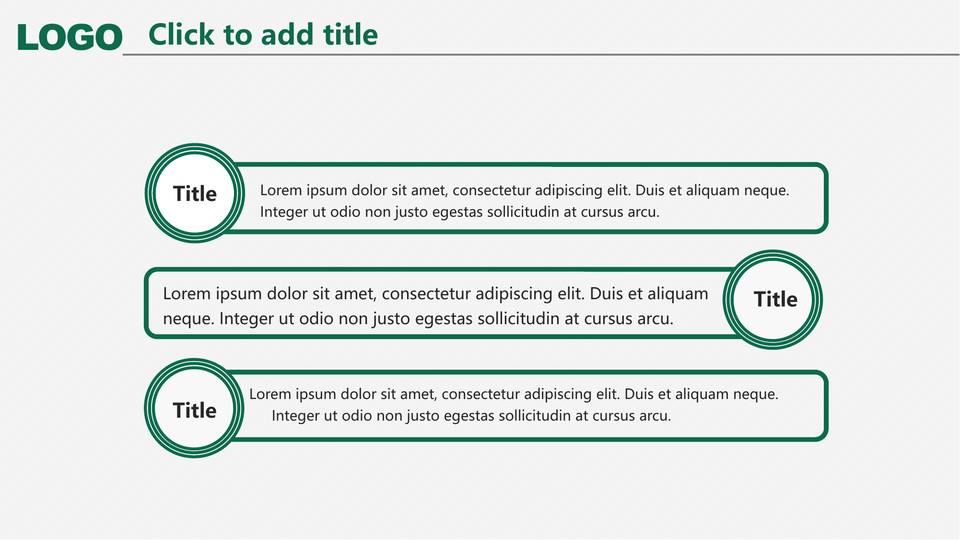
- Summary Cards — Three rounded highlight cards for summarizing key takeaways or outlining next year’s plans.
- Thank-You Slide — A clean closing slide with space for the presenter’s name and date.
Perfect For
This template is designed for annual and year-end financial reporting, including reviewing fiscal-year performance, tracking budget execution, comparing quarterly results, reporting on key projects, and outlining plans for the year ahead.
It’s also a great fit for semi-annual and quarterly business reviews, department presentations, and internal training on financial topics — anywhere you need to present financial data in a clear, structured, and professional way.
Who It’s For
This template is ideal for finance professionals and CFOs preparing year-end reports, accounting managers presenting budget and cost analyses, corporate executives sharing results with boards or stakeholders, and administrative professionals who want to create polished financial presentations without advanced design skills.
Small businesses and startups can also use it as an affordable, professional-looking solution for investor updates, financial reviews, and internal presentations.
Because all charts are native PowerPoint objects and fully editable, anyone with basic PowerPoint skills can add their own numbers, customize the slides, and put together a polished presentation in minutes.

Related Posts

Property Management and Real Estate PowerPoint Template

Infrastructure Construction Industry PowerPoint Template

TTET FY2025 Annual Results