Annual Financial Review PowerPoint Template 260913
September 13, 2026 by Ryan
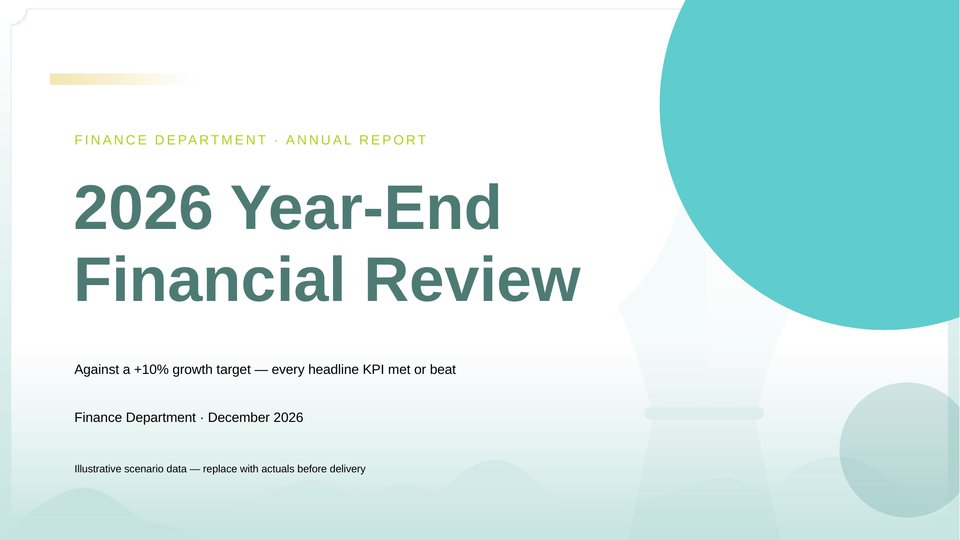
The Year-End Financial Review PowerPoint Template is a 13-slide, fully editable presentation designed to help you review financial performance, highlight key challenges, and plan for the year ahead. It features a fresh teal-and-white color scheme with a clean, professional design that makes financial data easy to understand.
The presentation follows a clear, logical story:
Results → Operations → Challenges → Next-Year Plan
What’s Inside
- The deck includes everything you need to deliver a structured year-end financial review:
- Cover Slide — A clean, professional opening slide for your year-end financial review.
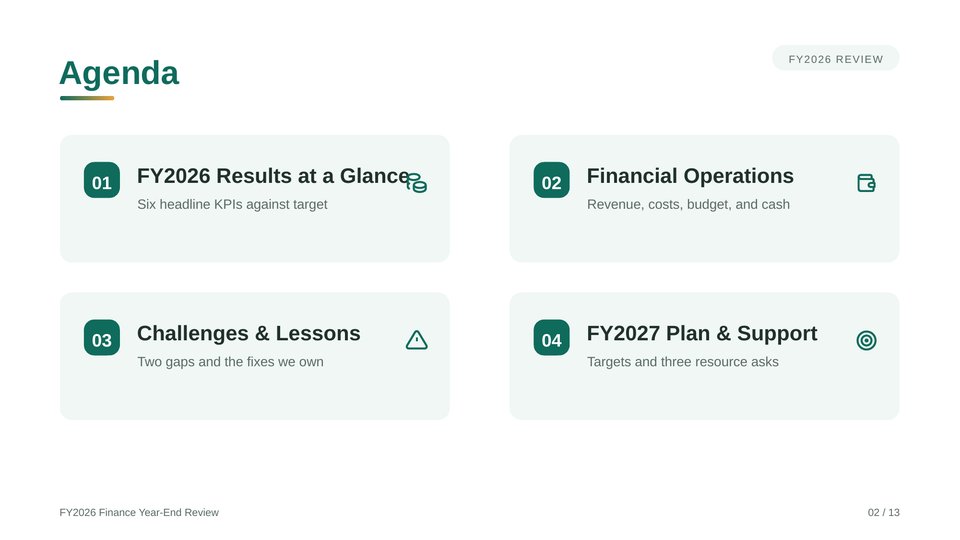
- Table of Contents — An agenda that guides your audience through the presentation.
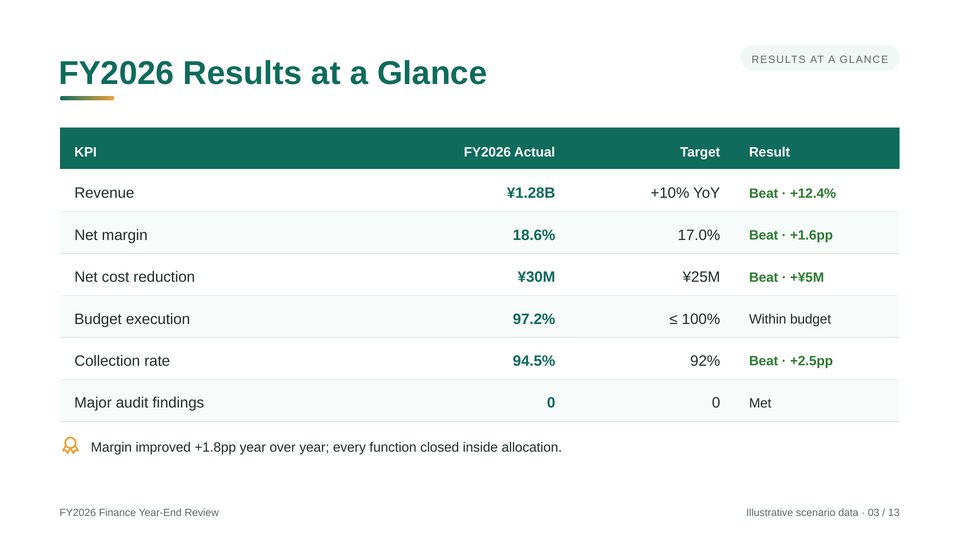
- KPI Scorecard vs. Targets — A performance dashboard covering revenue, profit margin, costs, budget performance, collections, and audit results.
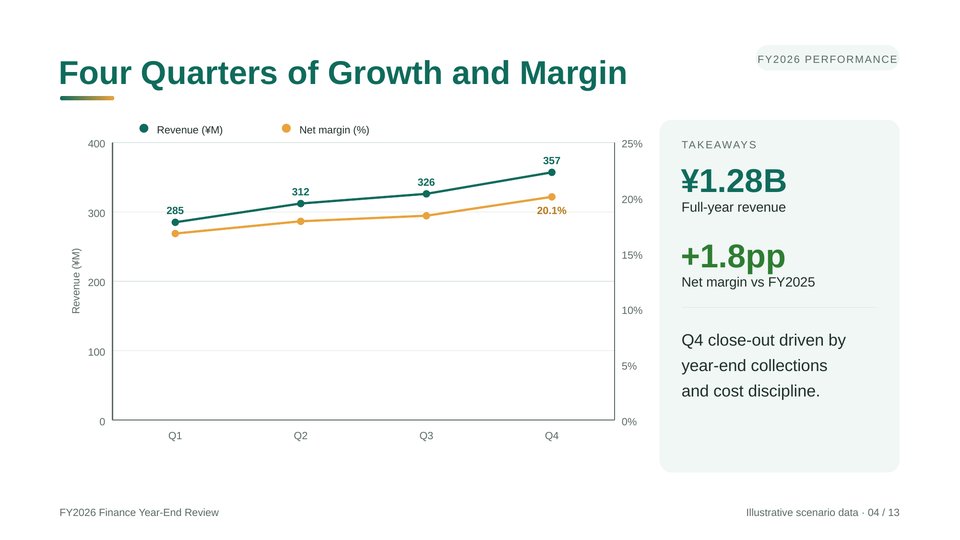
- Quarterly Revenue & Margin Trends — A chart for comparing quarterly revenue and profit margin performance throughout the year.
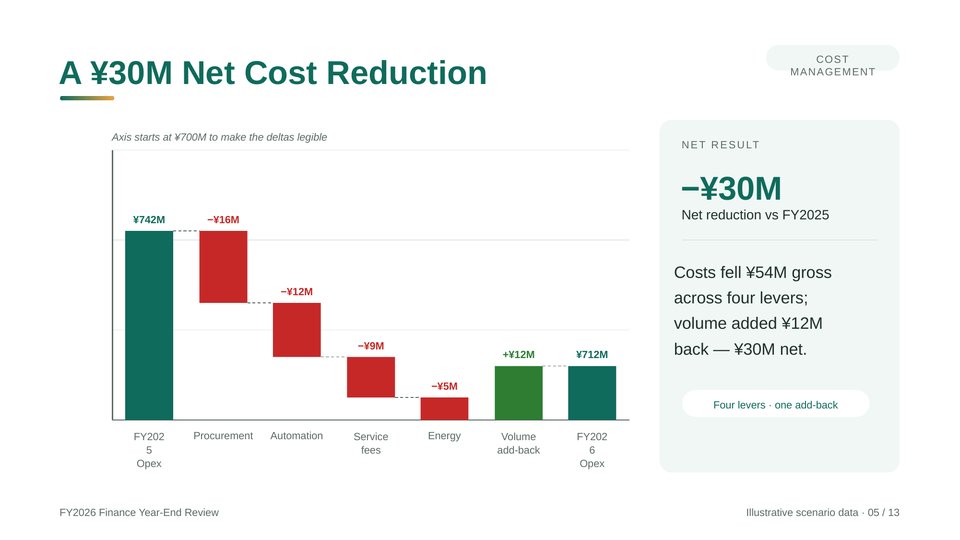
- Cost-Reduction Waterfall — A waterfall chart for showing cost savings and the impact of cost-reduction initiatives.
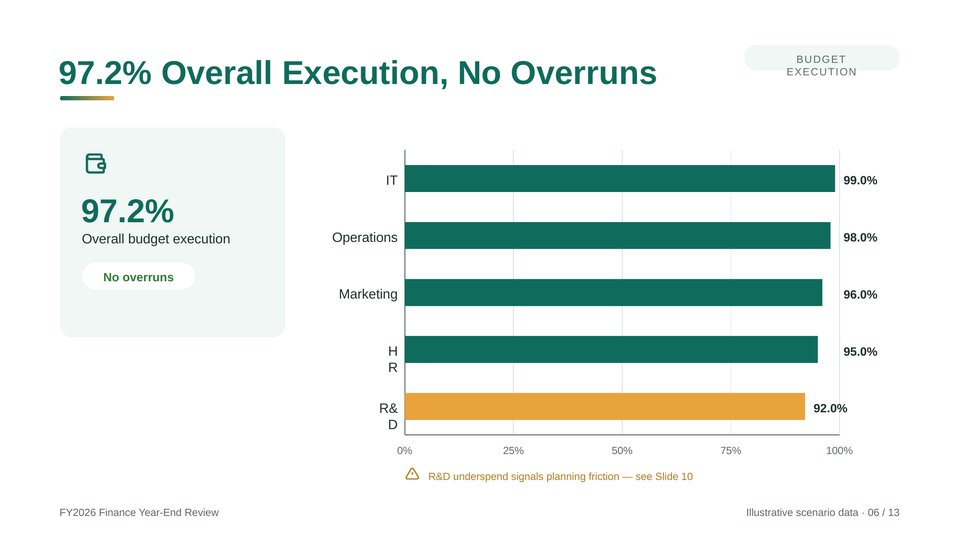
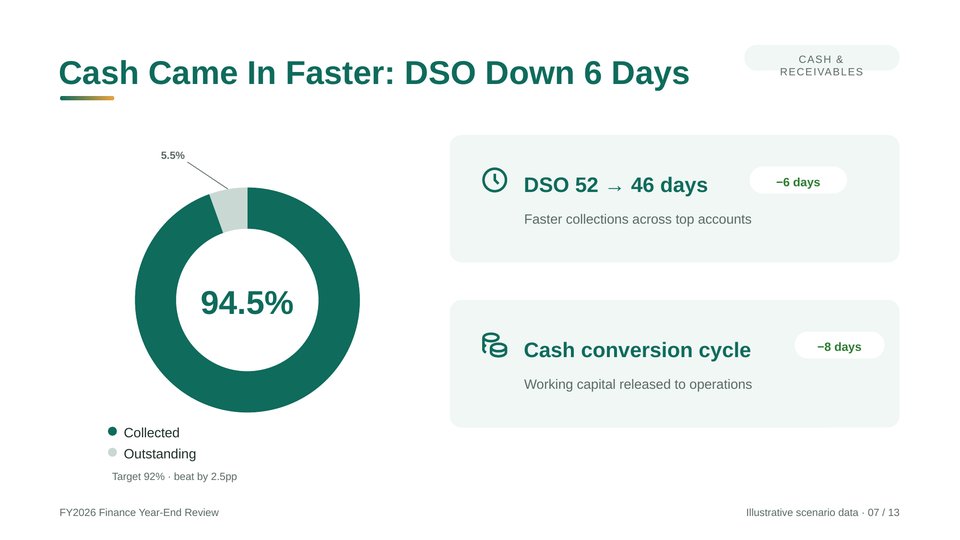
Budget Execution by Department — A clear visual breakdown of budget performance across departments. - Cash Flow & Collections — A financial overview covering cash position, collections, and Days Sales Outstanding (DSO).
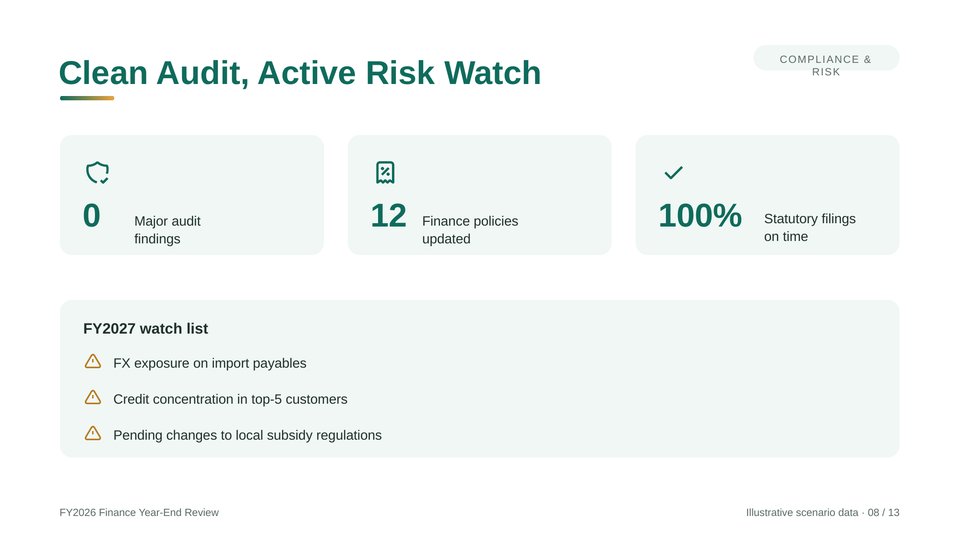
- Compliance & Risk Watchlist — A structured layout for highlighting key compliance issues, financial risks, and areas that need attention.
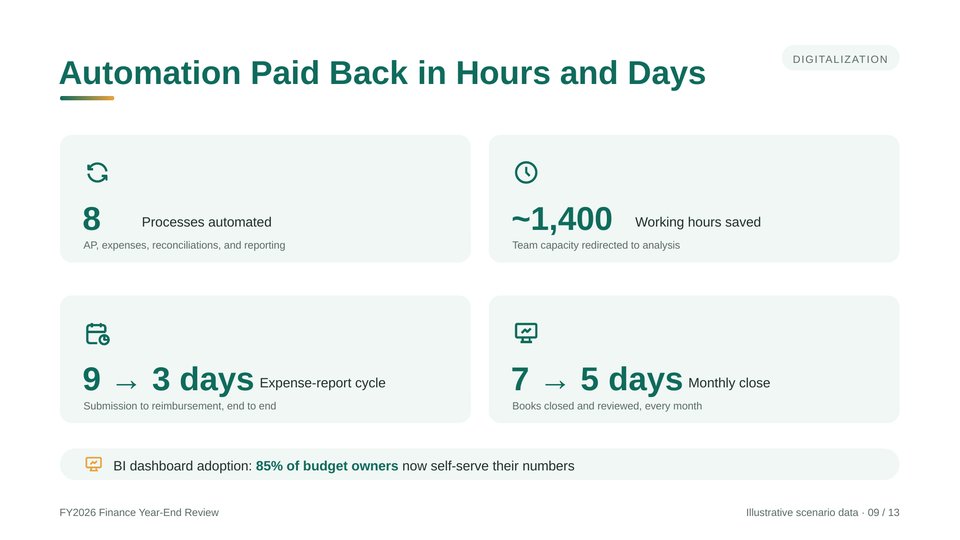
- Automation & Digitalization Results — A results-focused slide for showcasing the impact of automation and digital transformation initiatives.
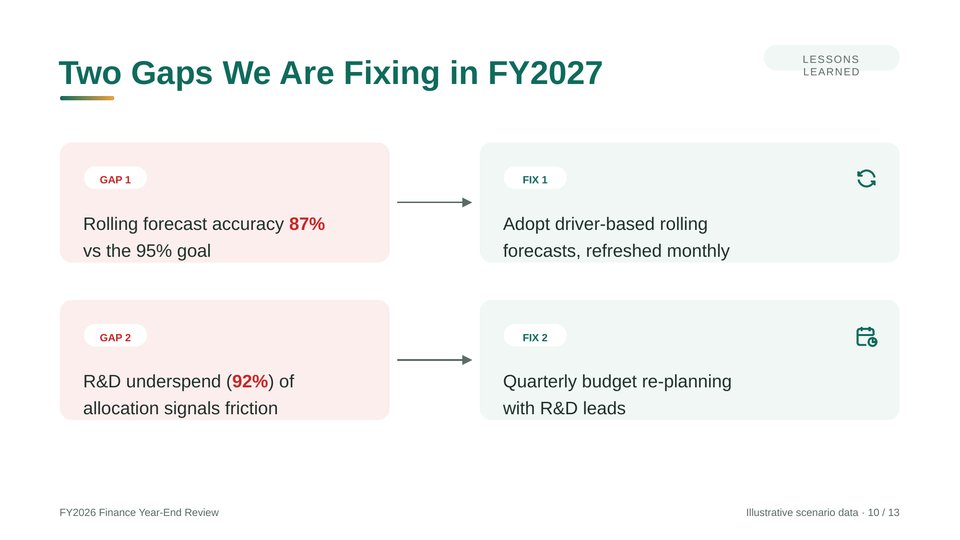
- Gaps & Action Plans — A clear framework for identifying performance gaps and outlining corrective actions.
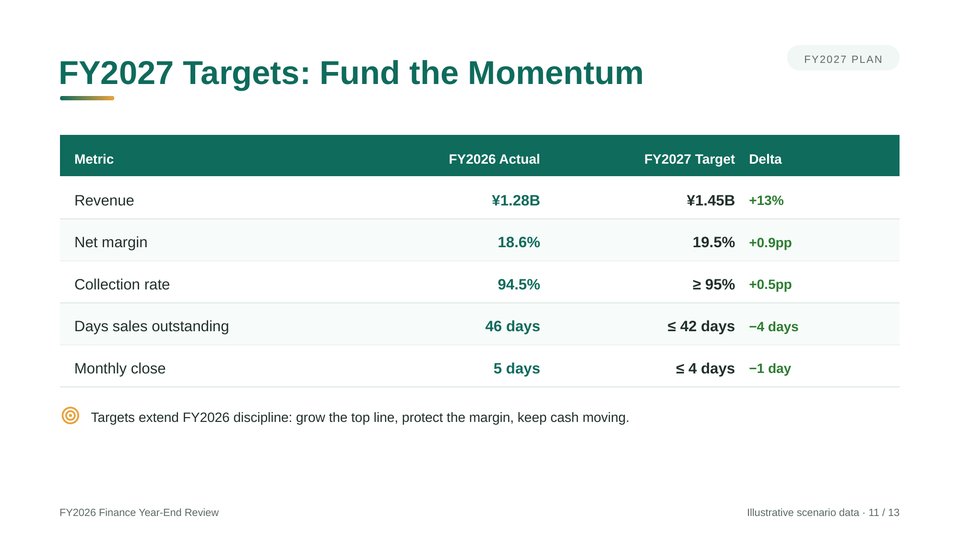
- Next-Year Targets — A structured table for presenting financial goals and key targets for the coming year.
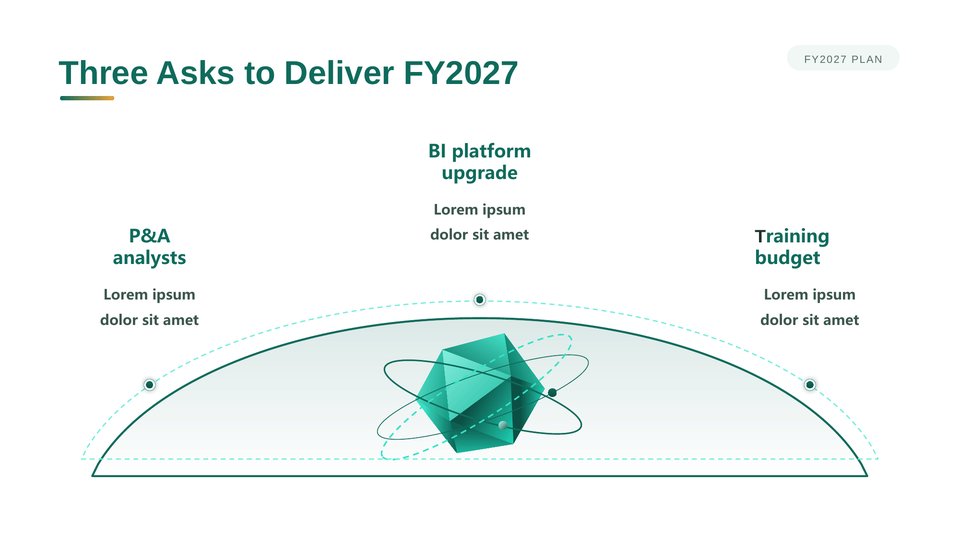
- Resource Requests — A dedicated slide for outlining the resources, support, and investments needed to achieve next year’s goals.
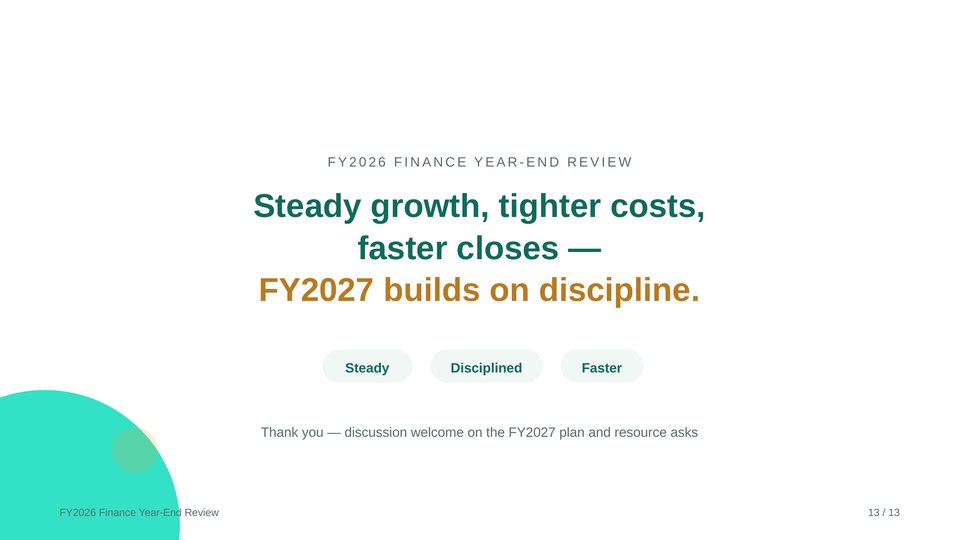
- Closing Slide — A professional closing slide to wrap up your presentation.
Fully Editable in PowerPoint
All charts and tables are native PowerPoint objects and fully editable. Every figure is placeholder data from an illustrative scenario, so you can easily replace it with your own numbers.
Update the data, labels, colors, and text directly in PowerPoint to match your company’s financial results and reporting needs.
Perfect For
This template is ideal for year-end financial reviews, budget execution reports, and CFO briefings for management.
Who It’s For
- Finance Teams & CFOs — Prepare a structured, professional year-end financial review without building your presentation from scratch.
- FP&A Professionals & Financial Analysts — Present KPIs, cost savings, revenue trends, and cash flow metrics with clear, editable visualizations.
- Executives & Business Leaders — Communicate financial results, business challenges, and next-year priorities to boards, headquarters, and other stakeholders.
- Small Businesses — Create a polished year-end financial presentation without spending hours on slide design.
Related Posts

Property Management and Real Estate PowerPoint Template

Infrastructure Construction Industry PowerPoint Template

TTET FY2025 Annual Results